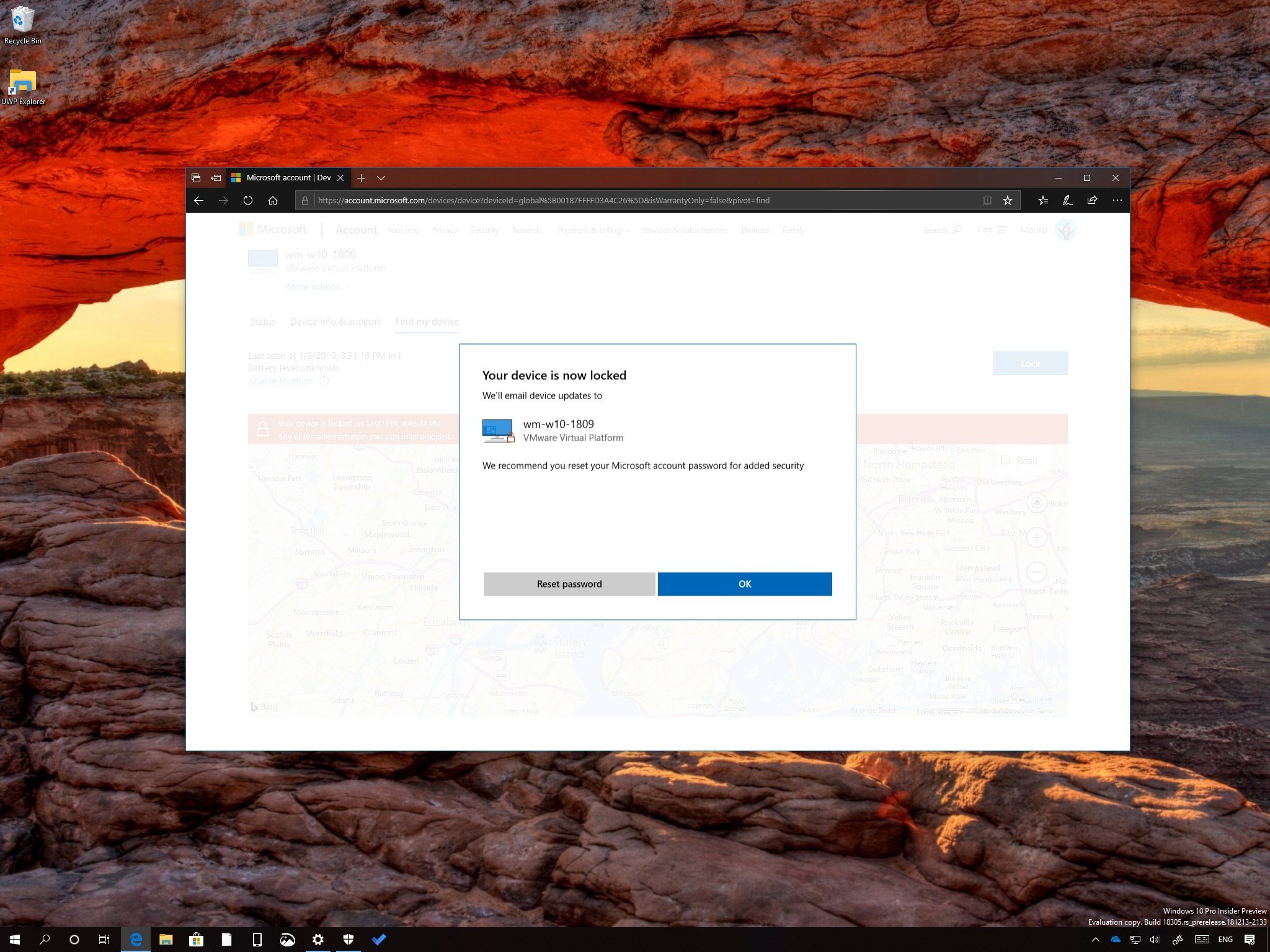
If you have lost your laptop or had it stolen while being logged in, you can use this guide to use your Microsoft account to find and lock it remotely.
Alongside the long list of security features, such as built-in antivirus, anti-ransomware, and firewall, Windows 10 also includes "Find my device," which is a feature that allows you to locate and lock your computer in case it's lost or stolen.
If your desktop, laptop, or tablet is lost or stolen from your house, work, or a public place, even if "Find my device" isn't enabled, you can use your Microsoft account online to quickly log out any active users remotely with the ability to change the password and track down its physical location.
In this Windows 10 guide, we'll walk you through the steps to lock and track down your computer remotely using your Microsoft account to prevent prying eyes from accessing your data.
How to lock a Windows 10 device remotely
If lost, stolen, or you think your device has been compromised, you can use the following steps to lock your computer remotely:
Note: Although it may be obvious, remember that for this feature to work, the device must be connected to the internet using a Microsoft account.
- Open your Microsoft account online.
- Click on Devices.
-
In the "Overview" tab, click the Show details (or Manage) button for the device you want to lock.

from Windows Central - News, Forums, Reviews, Help for Windows 10 and all things Microsoft. http://bit.ly/2AwhLA9
via IFTTT

No comments:
Post a Comment