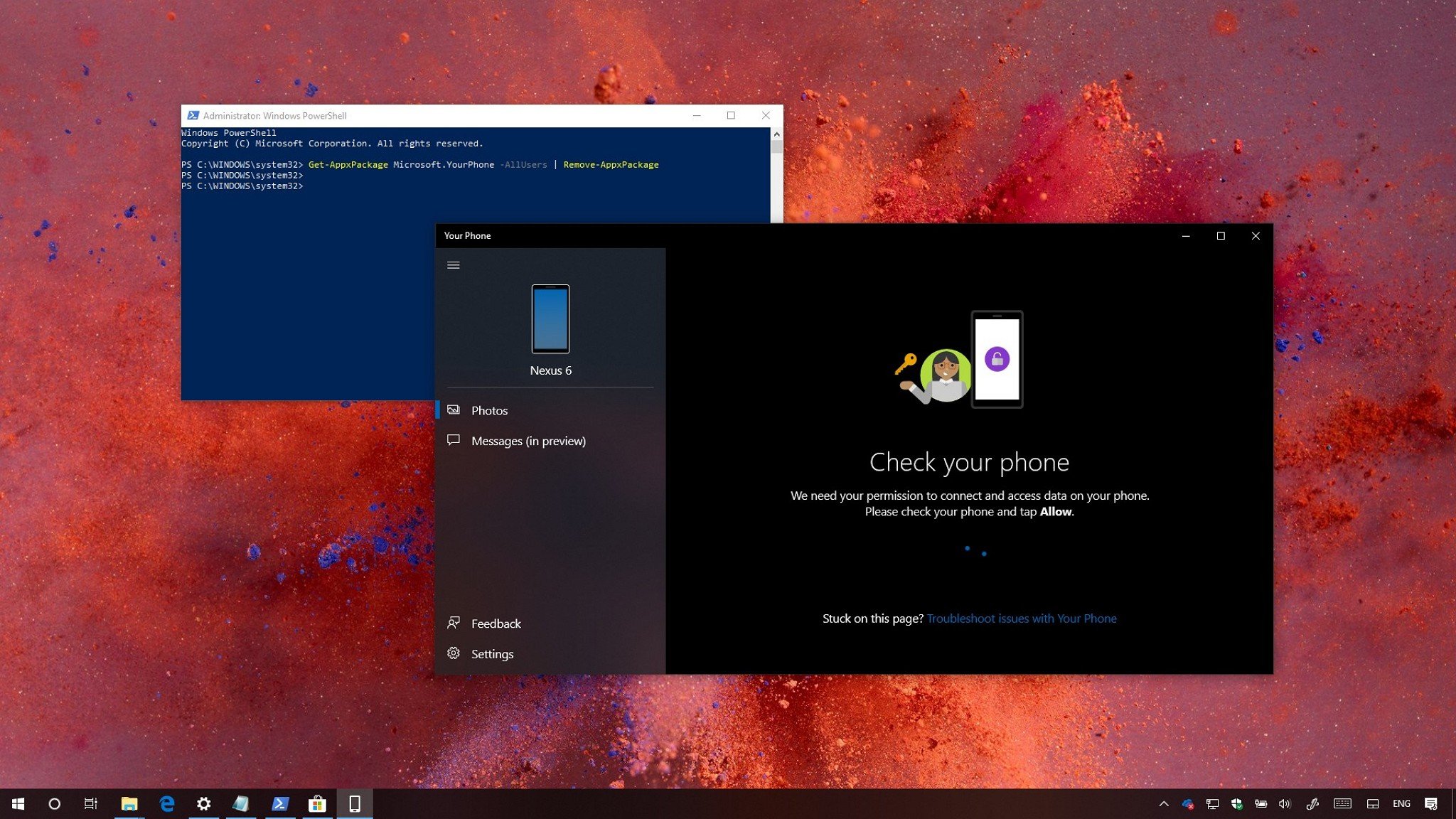
If you don't have a use for the Your Phone app, it's easy to remove.
On Windows 10, Your Phone is an app that allows you to connect to your mobile device wirelessly to access your pictures, notifications, and text messages.
The built-in app is available beginning with the Windows 10 October 2018 Update (version 1809), and while it's an interesting approach (but not unique) to integrate your phone with your computer, it's still a work in progress with missing features and functionalities, and currently, it only allows you to link your Android device.
If you don't have a use for Your Phone, you're experiencing problems, or you're an iPhone user, it's possible to uninstall the app.
In this Windows 10 guide, we'll walk you through the steps to uninstall the Your Phone app. In addition, we'll outline the steps to get it back in case you change your mind.
- How to uninstall the Your Phone app using PowerShell
- How to install the Your Phone app using Microsoft Store
How to uninstall the Your Phone app using PowerShell
If you want to get rid of the app, or you're having problems, and the reset option doesn't work, you can uninstall it using PowerShell with these steps:

from Windows Central - News, Forums, Reviews, Help for Windows 10 and all things Microsoft. https://ift.tt/2ScJw81
via IFTTT

No comments:
Post a Comment