
It's possible to extract, replace, and upgrade the RAM inside the Synology DS218+. The process only requires a few steps, made easy by the intuitive design of the Network Attached Storage device. You can go from just 2GB of system memory all the way up to a colossal 10GB.
Products Used In This Guide
- Amazon: DEWALT 54-piece screwdriver kit ($12)
- Amazon: Crucial 8GB RAM ($59)
How to upgrade your DS218+ RAM
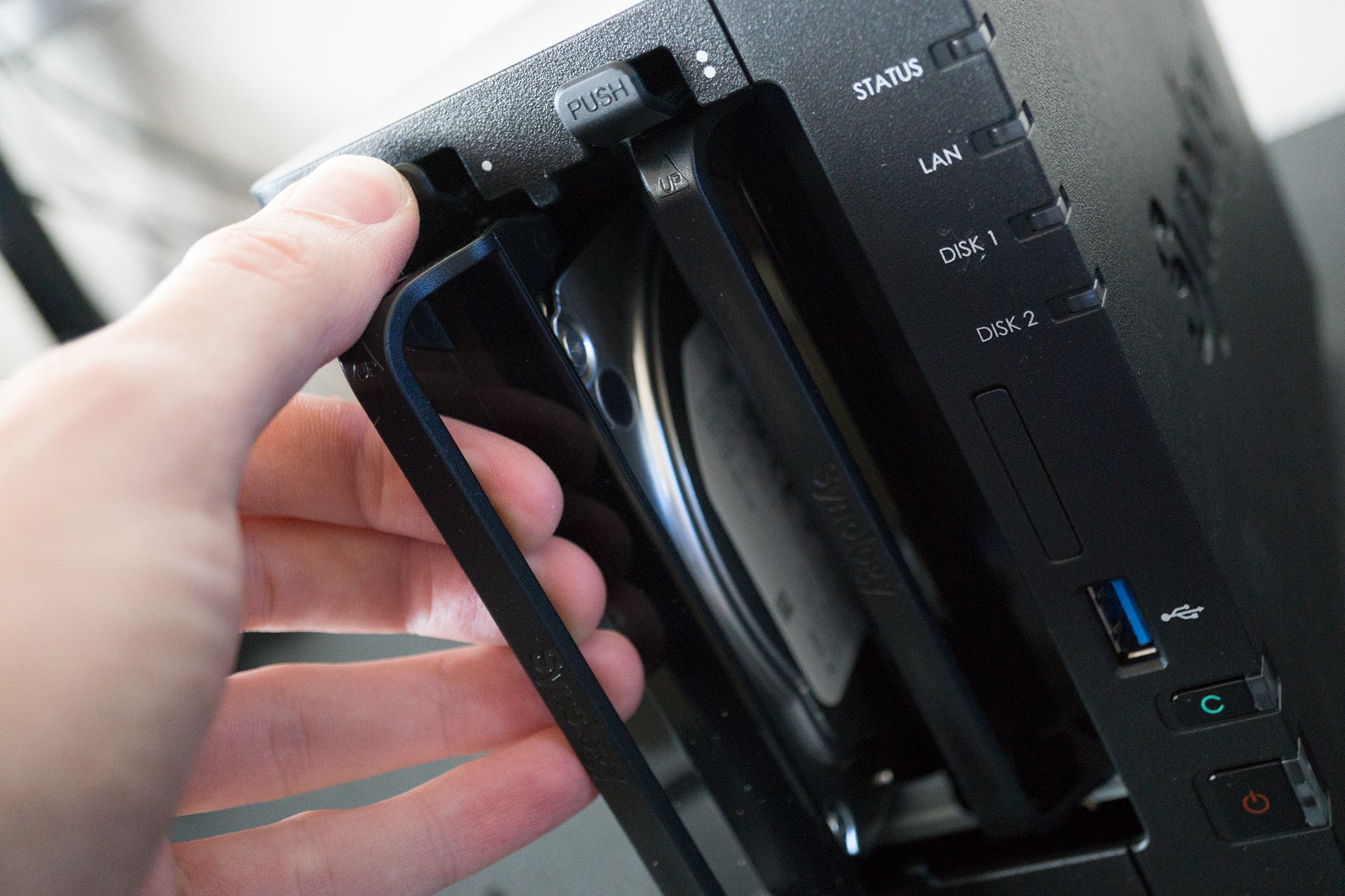
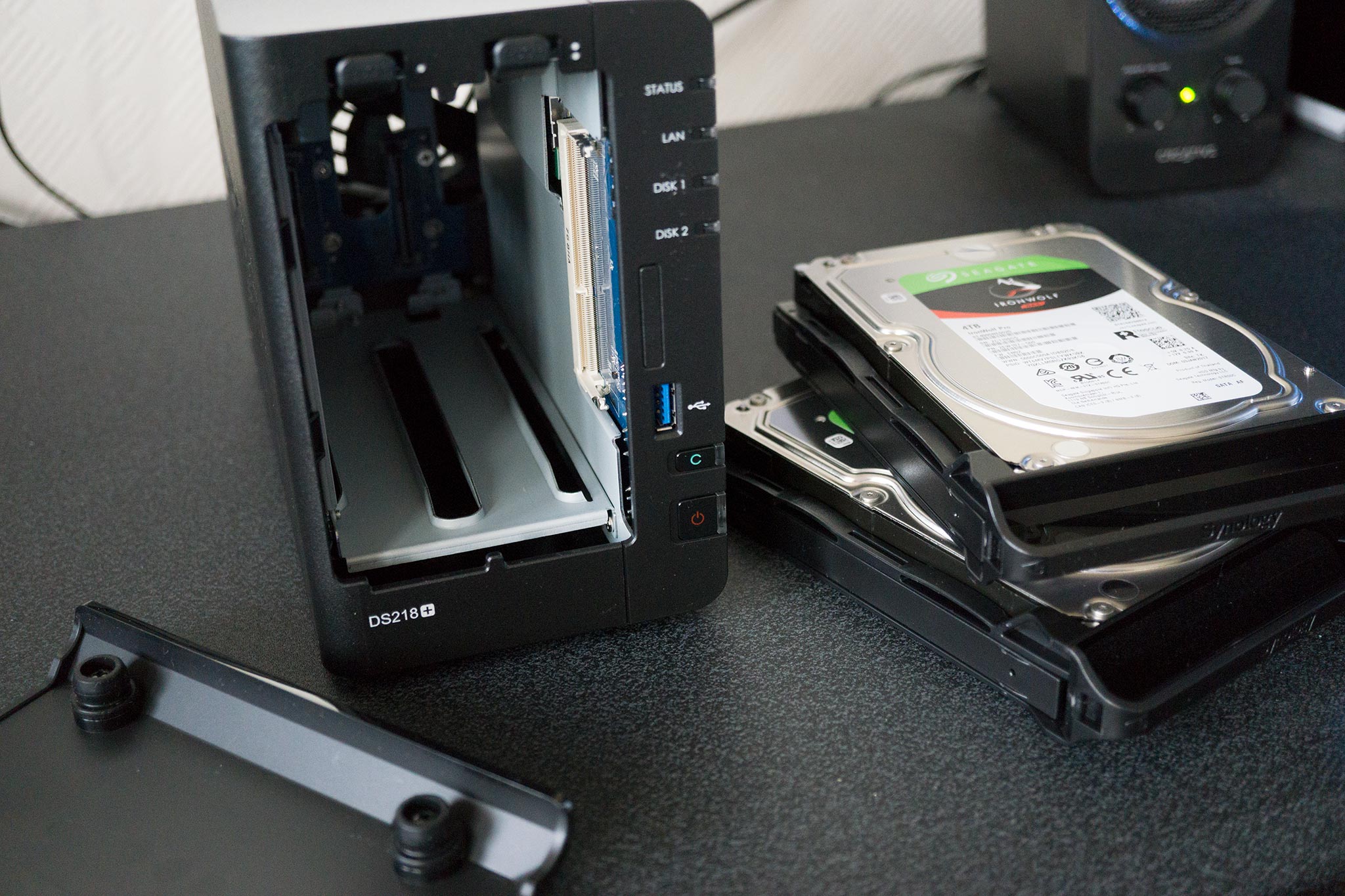
- Take out the two hard drive bays.
-
The free RAM module slot is located on the side where the power button is.
- Take out the newly purchased RAM module from its packaging.
-
Carefully insert the module into the slot, making sure it's the right way up. Match the notch to that on the module.
- Re-insert the hard drive bays.
- Open up Synology Assistant.
-
Click the cog icon in the top-right.


from Windows Central - News, Forums, Reviews, Help for Windows 10 and all things Microsoft. https://ift.tt/2NZNPkJ
via IFTTT

No comments:
Post a Comment